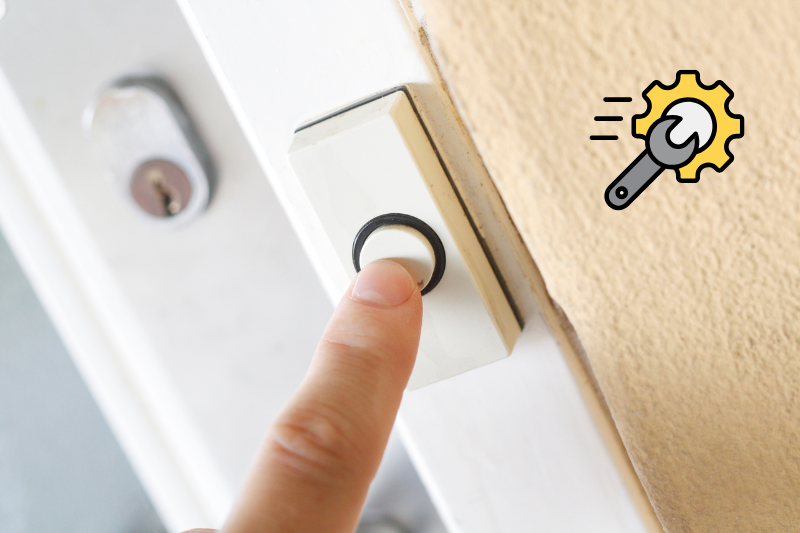
A doorbell that doesn’t ring can be more than just an inconvenience—it can leave you missing visitors, deliveries, or even compromise your home’s security. Whether you’ve installed a traditional wired doorbell or a modern smart doorbell, this issue is surprisingly common. The good news is that in most cases, you can troubleshoot and fix it yourself without calling an electrician.
This guide walks you through the most common causes and provides step-by-step solutions.
1. Check the Power Source
- For Wired Doorbells:
- Ensure your breaker hasn’t tripped. Sometimes a sudden power surge can cut power to the doorbell circuit.
- Check the transformer (the small device that reduces high voltage from your main panel to the lower voltage your doorbell uses). If it’s faulty, the doorbell won’t work.
- For Wireless/Smart Doorbells:
- Confirm that the batteries are fully charged or replaced.
- Some smart models stop ringing when battery levels drop below a certain threshold.
Quick Fix: Replace or recharge batteries, or test your transformer with a multimeter to ensure it’s delivering the correct voltage.
2. Inspect the Wiring
If your doorbell is wired, loose or damaged wiring is often the culprit.
- Remove the doorbell button cover.
- Inspect the wires for fraying, rust, or disconnection.
- Tighten screws holding the wires in place.
- If you see corrosion, clean it gently with a wire brush.
Quick Fix: Reconnect loose wires or replace corroded wiring with new copper wire.
3. Test the Doorbell Button
The button itself is a common failure point because it gets the most use and is exposed to the weather.
- Press the button and listen closely—if you don’t hear even a faint clicking sound, the button’s contacts may be worn out.
- Remove the button and use a multimeter to test if current flows when it’s pressed.
Quick Fix: Replace the button. Most are inexpensive and available at hardware stores.
4. Look at the Chime Box
If your doorbell button works but the chime doesn’t sound, the issue could be inside the chime box.
- Open the chime cover and look for dirt, dust, or insects that may block the hammer mechanism.
- Listen for humming—if you hear a hum but no chime, the hammer may be stuck.
Quick Fix: Clean the contacts, gently free the hammer, or replace the chime box entirely.
5. Reset Your Smart Doorbell
For smart doorbells like Ring, Nest, or Eufy, software glitches or network issues can prevent the chime from working.
- Check your Wi-Fi connection. A weak signal can stop notifications and chimes.
- Open the companion app to see if the device is online.
- Restart or reset the device. Most models have a reset button on the back or side.
Quick Fix: Reset your doorbell and reconnect it to your Wi-Fi. If the issue persists, update the firmware through the app.
6. Consider Environmental Factors
- Extreme temperatures (both hot and cold) can cause batteries to drain quickly or electrical components to malfunction.
- Moisture or water damage can short-circuit the system.
Quick Fix: Weatherproof the button area with a protective cover, and if needed, move Wi-Fi extenders closer for smart models that struggle in extreme conditions.
7. When to Call a Professional
If you’ve checked power, wiring, the button, the chime, and reset your smart device but the problem remains, it’s time to consult a professional. This is especially true if:
- The wiring inside your walls is damaged.
- The transformer needs replacement.
- The issue is intermittent and hard to diagnose.
Final Thoughts
A non-ringing doorbell doesn’t always mean a costly repair. In fact, most fixes are simple—changing batteries, tightening wires, or resetting your smart device. The key is working systematically: start with power, check the button, then move to the chime or smart features.
By following this guide, you can save money on unnecessary service calls and get your doorbell back in working order within minutes.