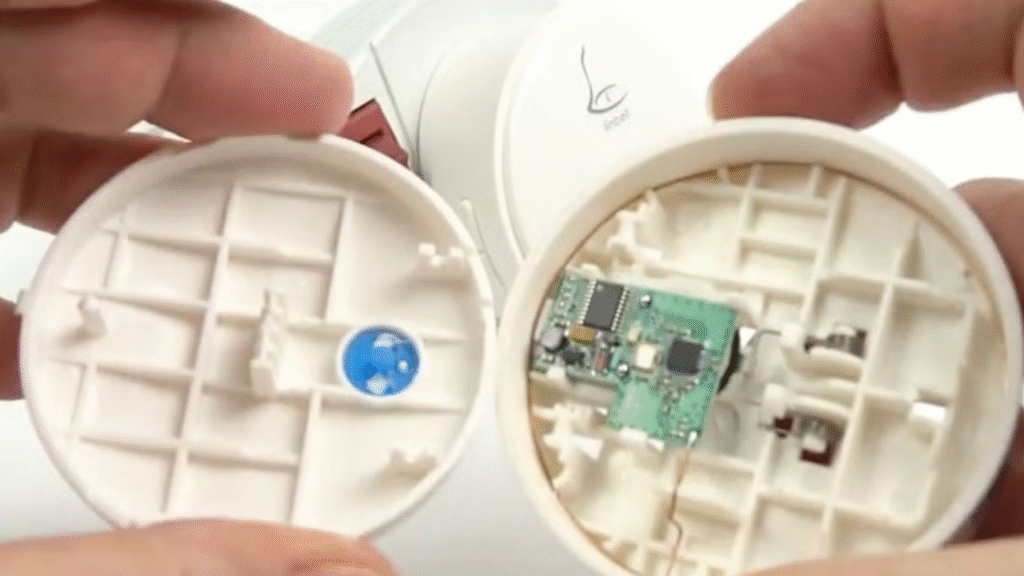
Wireless doorbells are one of the simplest and most convenient upgrades you can make to your home. Unlike wired systems, they don’t require drilling into walls, running cables, or fiddling with transformers. With just a few minutes of setup, you can enjoy the convenience of a modern doorbell that works anywhere in your home.
In this blog, we’ll cover a step-by-step installation guide for wireless doorbells, including setup tips, troubleshooting, and placement strategies to get the best performance.
Why Choose a Wireless Doorbell?
Wireless doorbells have become increasingly popular because they:
- Eliminate the need for wiring.
- Allow flexible placement of receivers.
- Offer modern features like LED indicators, adjustable chimes, and even smart integrations.
- Are affordable and easy for DIY homeowners.
👉 Perfect for renters, apartment dwellers, or homeowners who want a quick solution.
What You’ll Need
Most wireless doorbells come as a kit, which includes:
- Transmitter Button – The push-button you install outside.
- Receiver Unit(s) – Plugged into a wall outlet inside to chime when the button is pressed.
- Mounting Hardware or Adhesive – Screws or double-sided tape.
Additional tools you might need:
- Screwdriver
- Drill (optional if using screws)
- Extra batteries (if not included)
Step-by-Step Installation
Step 1: Unbox and Check Components
Confirm that your kit includes the transmitter, receiver(s), mounting hardware, and instruction manual.
Step 2: Insert Batteries
- Most transmitters run on coin cell or AA/AAA batteries.
- Install them according to polarity markings.
- Some advanced models include rechargeable units or even solar-powered options.
Step 3: Plug in the Receiver
- Choose a convenient location for your receiver.
- Many kits include multiple receivers so you can place them in the living room, bedroom, or even the garage.
- Simply plug into a standard wall outlet.
Step 4: Sync the Button and Receiver
- Many wireless doorbells auto-pair, but if not:
- Press and hold the sync/pairing button on the receiver.
- Press the transmitter button to complete pairing.
- Test by pressing the doorbell button to ensure it rings.
Step 5: Mount the Transmitter Outside
- Choose a spot near your main entrance at chest height.
- Use screws for permanent installation or adhesive tape for a no-drill option.
- If exposed to weather, consider a small rain shield or cover.
Placement Tips for Better Performance
- Avoid Metal Surfaces – Metal can block wireless signals.
- Stay Within Range – Most wireless doorbells have a range of 100–300 feet. Place receivers within this range for reliable function.
- Choose a Central Location – Place the receiver where it’s most audible throughout the home.
Troubleshooting Common Issues
1. Doorbell Won’t Ring
- Check that batteries are installed correctly.
- Ensure the receiver is plugged into a working outlet.
- Re-sync the transmitter and receiver.
2. Weak or Intermittent Signal
- Move the receiver closer to the transmitter.
- Avoid interference from Wi-Fi routers, microwaves, or thick concrete walls.
3. Chime Too Quiet
- Adjust the receiver’s volume (most models offer multiple levels).
- Add a second receiver in another room.
Extra Features to Explore
Modern wireless doorbells often come with:
- LED Flash Alerts – Great for the hearing impaired.
- Customizable Chimes – From classic dings to fun melodies.
- Multiple Transmitters – Install at different doors for convenience.
- Smart Home Integration – Some connect to Alexa, Google Home, or smartphone apps.
Safety & Maintenance
- Replace batteries every 6–12 months.
- Wipe the transmitter button occasionally to keep it clean.
- If your area has extreme weather, add a weatherproof casing.
Conclusion
Installing a wireless doorbell is one of the easiest DIY projects you can do at home. With just a few steps—installing batteries, plugging in the receiver, syncing, and mounting—you’ll have a reliable, flexible, and modern doorbell system up and running in minutes.
For renters, busy families, or anyone who wants a no-fuss upgrade, wireless doorbells are the ideal choice.